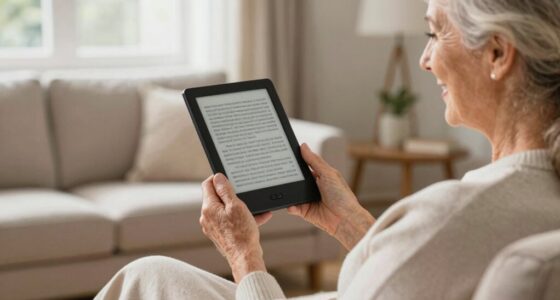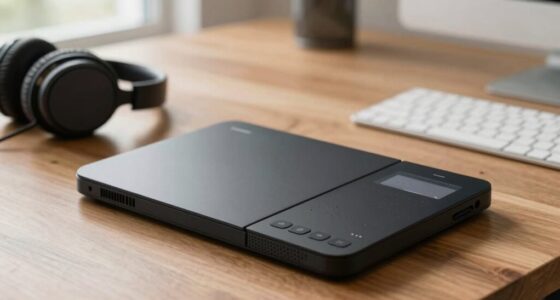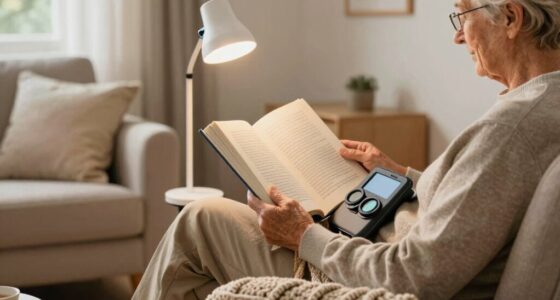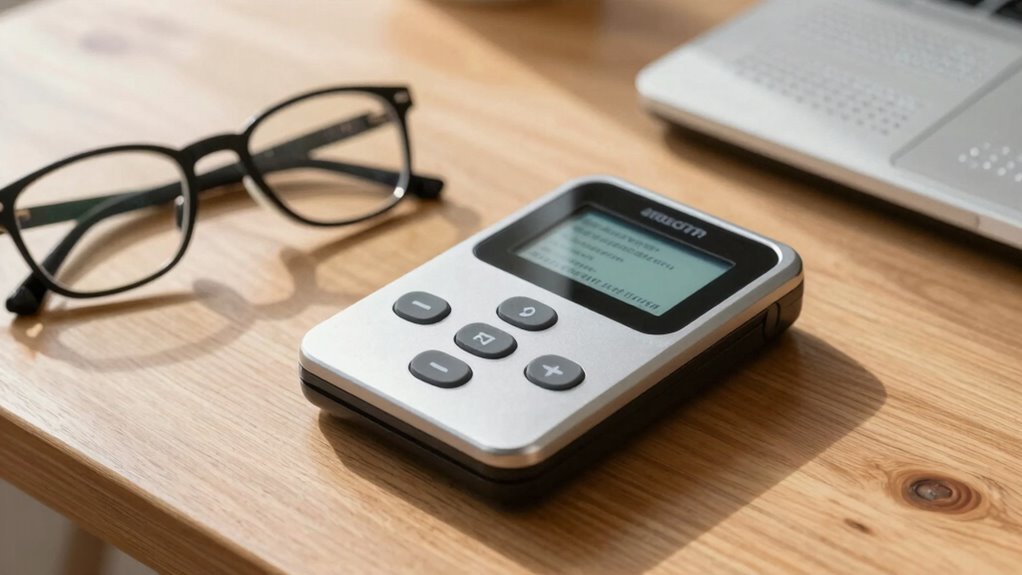

If you use an OCR device, text-to-speech makes accessing information much easier and more independent. It instantly converts printed words into spoken words, so you don’t have to strain your eyes or decipher small print. You can listen to menus, labels, or documents on the go, boosting your confidence and autonomy. This feature is essential for seamless, effortless interaction with everyday environments. Keep exploring to learn how this technology can further empower your experience.
Key Takeaways
- Text-to-speech enables auditory access to recognized text, reducing the need for visual reading and assisting low-vision users in comprehension.
- It allows for hands-free operation, enhancing convenience and safety in various environments.
- Customizable speech features improve comfort and engagement, catering to individual auditory preferences.
- Combining OCR with text-to-speech increases independence by enabling quick, on-the-spot reading of labels, signs, and documents.
- It bridges the gap between visual impairment and information access, empowering users to navigate the world confidently.
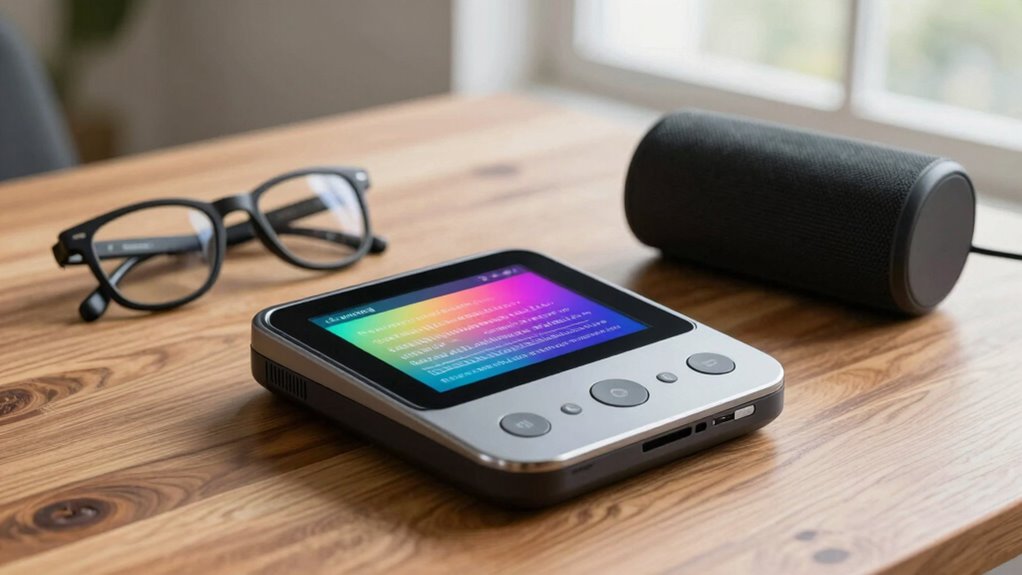
For individuals with low vision, reading printed text can be a constant challenge, but advances in OCR (optical character recognition) reading devices are transforming this experience. These devices are designed with accessibility features that aim to bridge the gap between visual limitations and the ability to access written information. When you use an OCR reading device, you’ll notice that the user experience becomes much more seamless and intuitive. Instead of struggling with small print or blurry text, these devices scan and convert printed words into digital data instantly, making reading faster and more efficient.
OCR devices transform printed text into digital and spoken formats, enhancing accessibility and independence for low vision users.
The core benefit of OCR reading devices lies in their ability to recognize text from various sources—books, signs, labels, and more—and convert it into a format you can understand easily. This process is made smoother by thoughtful accessibility features integrated into these devices. For example, many OCR tools include adjustable contrast, magnification options, and customizable font sizes that cater to your specific visual needs. These features not only improve readability but also help reduce eye strain and fatigue, making the reading experience more comfortable over extended periods. Additionally, understanding the role of color accuracy in these devices can significantly enhance the clarity and overall visual quality, especially when reading in different lighting conditions.
Text-to-speech functionality is what truly elevates the effectiveness of OCR reading devices. Once the text is recognized, the device reads it aloud through integrated speakers or connected headphones. This feature is crucial for your user experience because it allows you to access information without needing to decipher the text visually. It’s particularly helpful when you’re on the go or in situations where reading visually isn’t practical. The natural-sounding speech output makes the information feel more accessible and less clinical, helping you stay engaged and independent.
Moreover, the combination of OCR and text-to-speech enhances your overall autonomy. You can quickly scan labels at the grocery store, read menus in restaurants, or review documents at work—all without relying on others. The accessibility features integrated into these devices ensure that they adapt to your unique needs, whether that means adjusting speech speed, changing voice tone, or customizing highlighting options. This personalized approach significantly improves your user experience, making technology work for you instead of against you.
In essence, OCR reading devices with text-to-speech capabilities are designed to empower you, transforming the way you access written information. They prioritize accessibility features that accommodate your vision limitations while offering a user experience that emphasizes ease, comfort, and independence. As technology continues to evolve, these devices are becoming even more intuitive, ensuring that low vision individuals like you can navigate the world with greater confidence and less frustration. Accessible technology plays a vital role in making these advancements possible, helping to bridge the gap between visual impairment and information access.

Translation Scanning Pen, 112 Language Translator Pen
- Supports 112 Languages: Real-time voice and scan translation
- Offline Translation: Supports 13 major languages offline
- Voice Recorder Function: Records meetings and classes
As an affiliate, we earn on qualifying purchases.
As an affiliate, we earn on qualifying purchases.
Frequently Asked Questions
How Do OCR Devices Differ From Traditional Magnifiers?
OCR devices differ from traditional magnifiers by using digital technology to convert text into speech or enlarged images, enhancing vision accessibility. Unlike magnifiers, which only enlarge text visually, OCR devices provide digital accessibility through audio feedback, making reading easier for low vision users. They offer versatile vision enhancement options, allowing you to access a wider range of printed materials effortlessly, improving independence and overall quality of life.
Can OCR Devices Recognize Handwriting Accurately?
Yes, OCR devices can recognize handwriting, but accuracy challenges exist. You might worry about misreading personal notes or signatures, but advances in handwriting recognition improve with training and software updates. Imagine effortlessly capturing handwritten recipes or letters, turning them into clear speech. While not perfect, many devices now provide impressive accuracy, making daily tasks easier. With continued development, recognizing handwriting will become even more reliable, enhancing your independence.
Are OCR Reading Devices Compatible With Smartphones?
Yes, OCR reading devices are compatible with smartphones. Many models offer smartphone integration, allowing you to connect seamlessly via apps or Bluetooth. These devices often include accessibility features designed for low vision users, such as high-contrast displays and adjustable text sizes. With this compatibility, you can easily scan printed text and have it read aloud, making reading more accessible and convenient right from your mobile device.
What Is the Cost Range for High-Quality OCR Text-To-Speech Devices?
Ever wonder how much a high-quality OCR text-to-speech device costs? You’ll find that prices typically range from $500 to $3,000, depending on features and brand. Is affordability a concern? Many options offer affordability choices, including refurbished models or budget-friendly alternatives. When comparing costs, consider the value of independence and improved daily living these devices provide. Isn’t that worth investing in for better accessibility?
How Long Does It Take to Learn to Operate an OCR Device Effectively?
It typically takes a few hours to a couple of days to become proficient with an OCR device, depending on your prior experience with similar technology. Your training duration varies, but consistent practice helps improve user proficiency faster. You’ll learn to operate the device confidently when you understand its features and functions. With regular use, you’ll find yourself steering and utilizing the OCR reading device efficiently in a short amount of time.

Scanner Bin – The Clever Document Scanning Solution
- High-Resolution Scanning: Superior resolution and color rendering
- Fast and Cost-Effective: Quick scans at lower cost than flatbeds
- Eco-Friendly Design: Reduces e-waste compared to flatbed scanners
As an affiliate, we earn on qualifying purchases.
As an affiliate, we earn on qualifying purchases.
Conclusion
Imagine holding a book but feeling lost without a map—that’s how low vision users feel without OCR reading devices. By integrating text-to-speech, you turn that unknown terrain into a familiar path, empowering independence. Studies show these tools dramatically improve reading confidence, transforming daily challenges into opportunities. Just like a lighthouse guides ships safely home, OCR and text-to-speech guide you through the world of words, making reading accessible and life brighter.

IRISPen Reader 8 Black Reading Pen with OCR and Text-to-Speech, 5 OCR Languages, Ideal for Dyslexia Support and Language Learning, Includes Headphones, Travel Case and Readiris PDF
- Offline Data Security: No cloud connection, GDPR compliant
- Multilingual OCR & TTS: Supports 48 OCR languages, 5 TTS languages
- Document Scanning & Storage: Capture, save, and export text files
As an affiliate, we earn on qualifying purchases.
As an affiliate, we earn on qualifying purchases.

OrCam MyEye Pro – The Most Advanced Wearable Assistive Device for the Blind and Visually Impaired. Featuring Smart Reading, Face Recognition, Color & Product Identification
- Wearable AI Assistive Device: Transforms lives for the blind and visually impaired
- Lightweight and Discreet Design: Attaches to any glasses frame easily
- Real-Time Text Reading: Reads printed and digital text aloud instantly
As an affiliate, we earn on qualifying purchases.
As an affiliate, we earn on qualifying purchases.